Yesterday there was a massive shake-up in the world of free image resources. Getty Images – one of the world’s largest photographic rights holders – made most of its 35 million images available free of charge for non-commercial, editorial use.
Getty allows you to embed the images it provides through <iframe> elements, as YouTube does its videos. Unfortunately <iframe> elements are not responsive by default, making Getty’s standard fare of limited use in modern websites. In this article I’ll show you how to change that, together with a list of even more resources for free images.
Getty Images
Not every image is available for embedding from Getty: those that are feature an embed icon in their detailed thumbnail view. Clicking on the icon will produce embed code that looks something like this:
<iframe src="//embed.gettyimages.com/embed/..." width="413" height="483" frameborder="0" scrolling="no"></iframe>As you can see, the images provided are not yet high resolution, averaging around 420 pixels wide: good for illustration in body text, but not banner images. As it stands, the <iframe> will render the image at a fixed width. We’re about to change that in four steps, borrowing a technique used to make YouTube videos fluid:
Step One
Remove the width and height attributes from the <iframe>. Add http before the URL for the image, which will allow it to appear when you test the page locally. Then, add a <div> around the outside:
<div class="getty-container"><iframe src="http://embed.gettyimages.com/ embed/468887443..." frameborder="0" scrolling="no"></iframe></div>Note the class that is added to the wrapping <div>.
Step Two
Determine the image’s aspect ratio: the division of the image’s height by its width. A square image will have a ratio of 1:1; an image that is twice is wide as it is tall will have a ratio of 1:2. Keep this ratio in mind: we’ll use it in the next step.
Step Three
Determine how wide you want the image to appear: I would suggest no more than half the width of your main content, to preserve image quality. Add the following styles to the page, adjusting the width as necessary:
.getty-container { position: relative; width: 50%; height: 0; overflow: hidden; }.getty-container iframe { position: absolute; top: 0; left: 0; width: 100%; height: 100%; }The image will be cut off. To compensate, add a padding-bottom amount using the ratio you determined in Step Two. For example, my image is slightly taller than it is wide:
.getty-container { position: relative; width: 50%; padding-bottom: 55%; height: 0; overflow: hidden; }Step Four
The image will now appear correct, but it’s not sitting quite right in its container. (Add a border to the <div> to see that for yourself). To compensate, we need to add 55 pixels in padding-top to make space for the caption at the bottom:
.responsive-container { position: relative; width: 50%; padding-bottom: 55%; padding-top: 55px; height: 0; overflow: hidden; }That’s it: you now have millions of responsive images at your fingers, provided you use them in a way that does not break Getty’s embedded image license.
The fact that Getty provides images via an <iframe> makes it important that you check that the images continue to work: technically, Getty could push anything they wanted through that iframe window, including ads, or choose to break the image entirely.
Other image sources
A few alternative, free sources for photographs. The selection here is not as diverse as Getty, but offer higher resolution images, usually licensed under Creative Commons:
- IMCreator offers free images for commercial or personal use.
In the previous article I mentioned 500px.com as a source for Creative Commons images, but it’s important to note that the site offers many of its high-resolution images for sale at US$3.95 per photograph.
Similarly, Stocksy.com offers images at set prices of $10 and $25 for medium-sized professional images; the company is also notable for splitting income with contributing photographers at much fairer rates than other services, prompting photographers such as Thomas Hawk and Tyler Stalman to shift their images exclusively to the stock photography provider.
If you have other free (or nearly free) legal image sources you like to use, feel free to share them in the comments below! Before you do so, check out the previous article on gratis image resources.
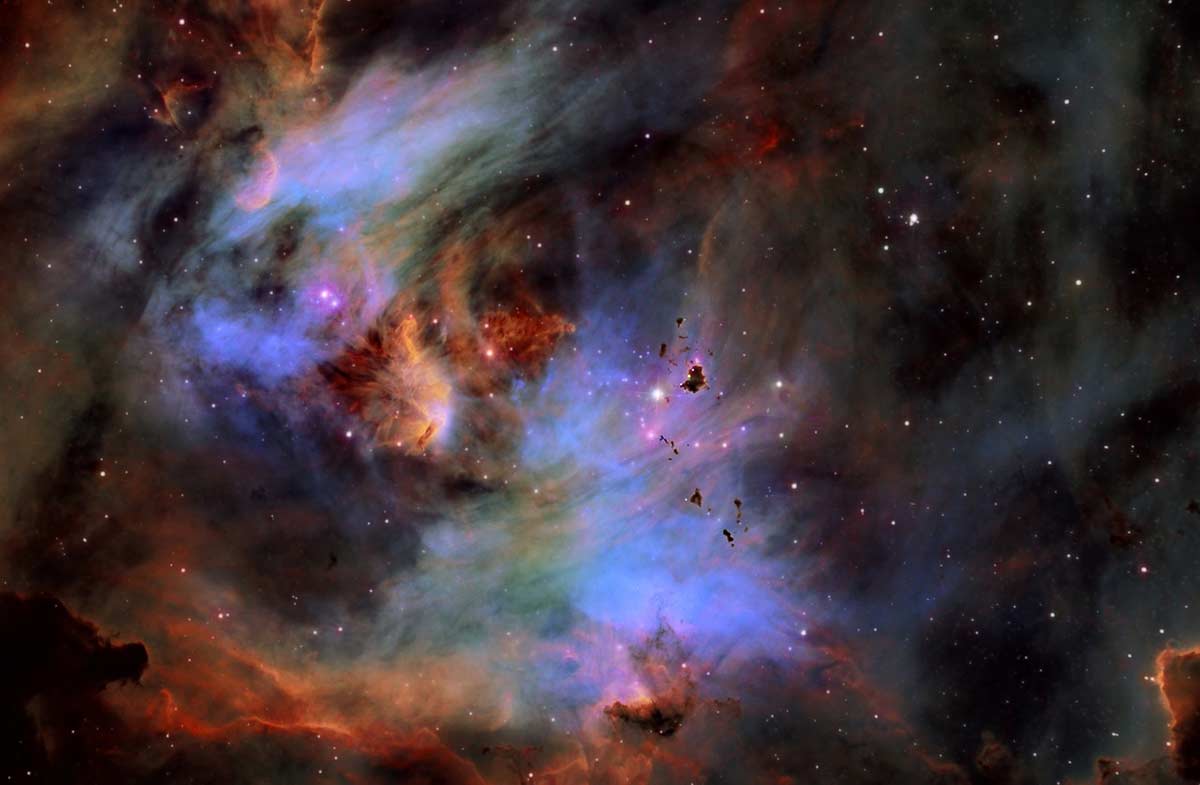
Astrophotograph of globules in the Running Chicken Nebula by Fred Vanderhaven